Why Texture Quality Can Affect VRAM Without Changing Average FPS Much

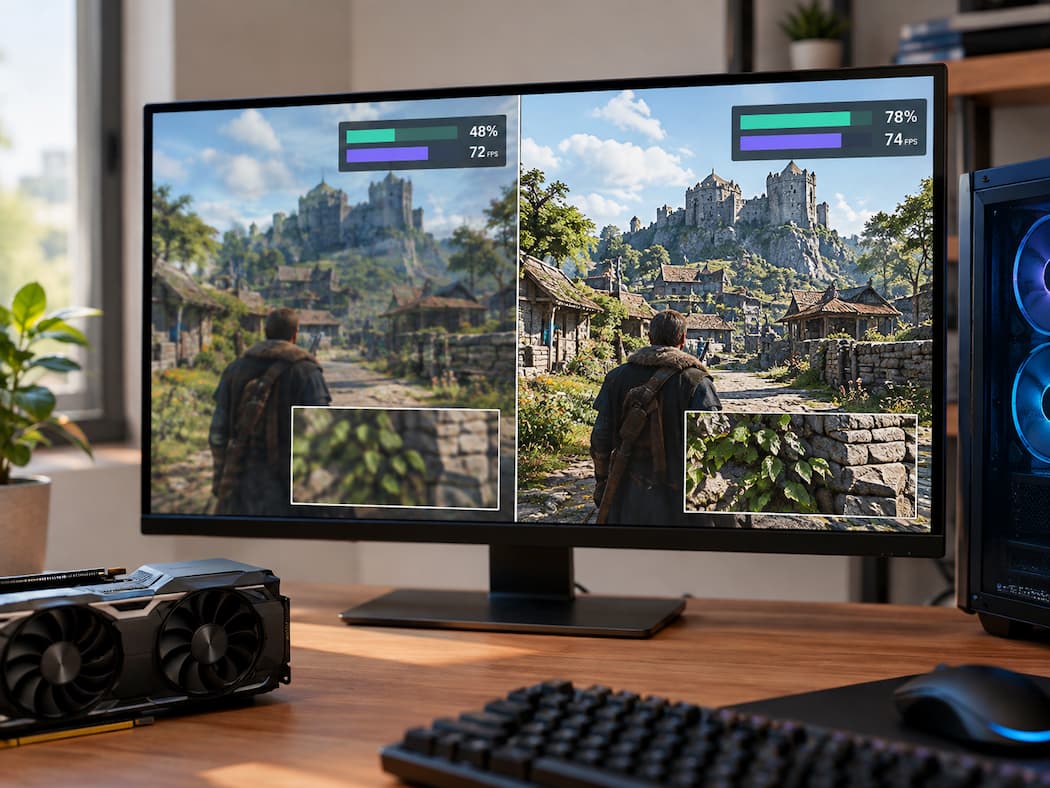
You can raise a game’s texture quality, watch VRAM usage climb noticeably, and then look at the FPS counter and see almost no difference. At first, that seems strange. If the computer is using much more graphics memory, shouldn’t the game be doing much more work? Not necessarily. Texture quality and frame rate are connected, … Read more

Why Monitor Cable Type Matters for Refresh Rate and Resolution

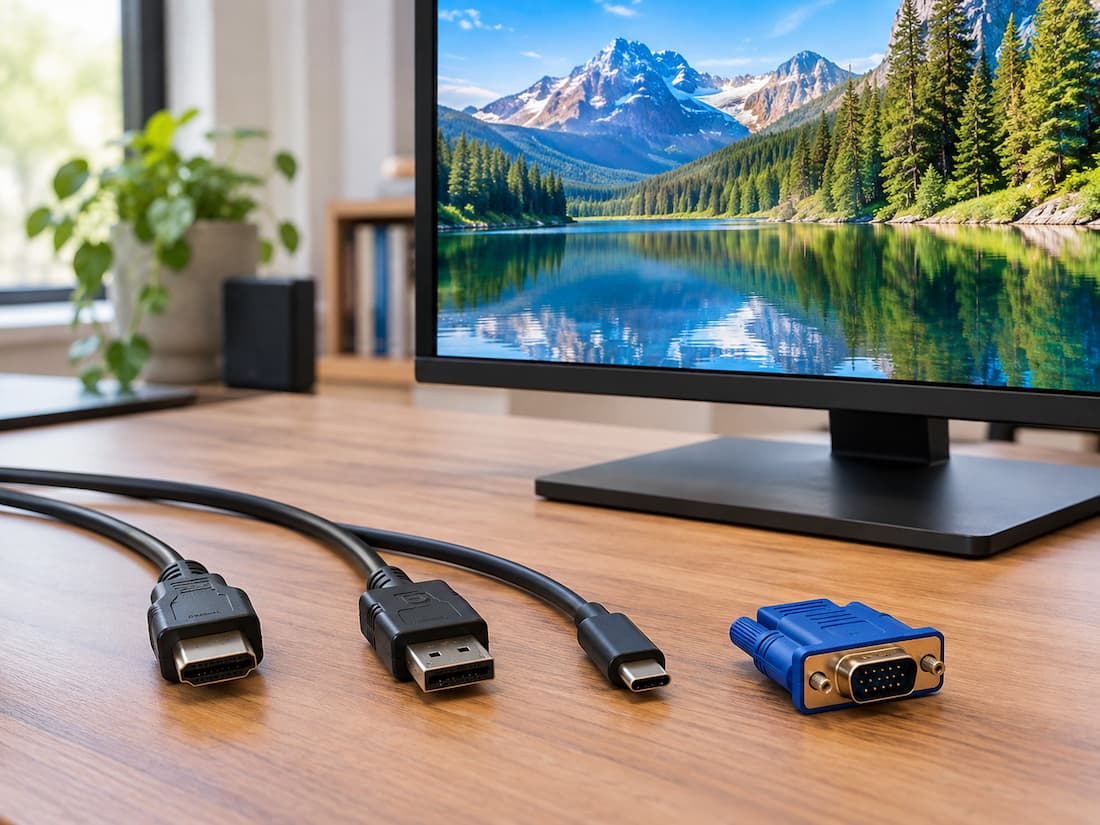
You finally upgrade to a monitor that supports a high refresh rate and a higher resolution. The graphics card in your PC also appears capable of driving it. But after connecting everything, Windows gives you fewer refresh-rate options than expected. The monitor might support 144Hz, yet 120Hz is the highest option available. A 1440p display … Read more

Multiple Audio Devices Can Confuse Game Output Selection

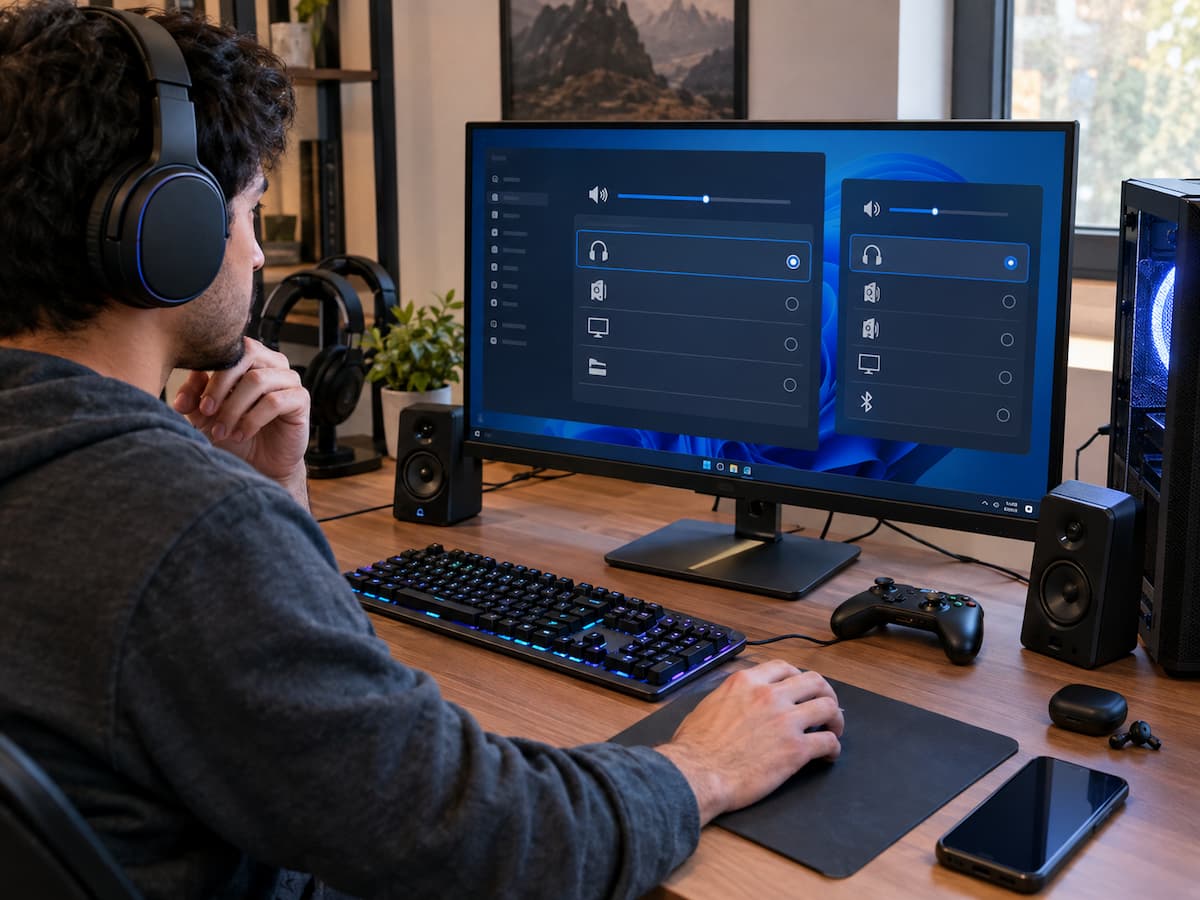
Modern gaming PCs can have several audio devices connected at the same time. You might have a monitor with built-in speakers, a USB headset, wireless headphones, a controller, desktop speakers, and the computer’s built-in audio output all available at once. Having more choices is useful, but it can also make game audio surprisingly difficult to … Read more

A Game Update Finishes but the Previous Problem Remains

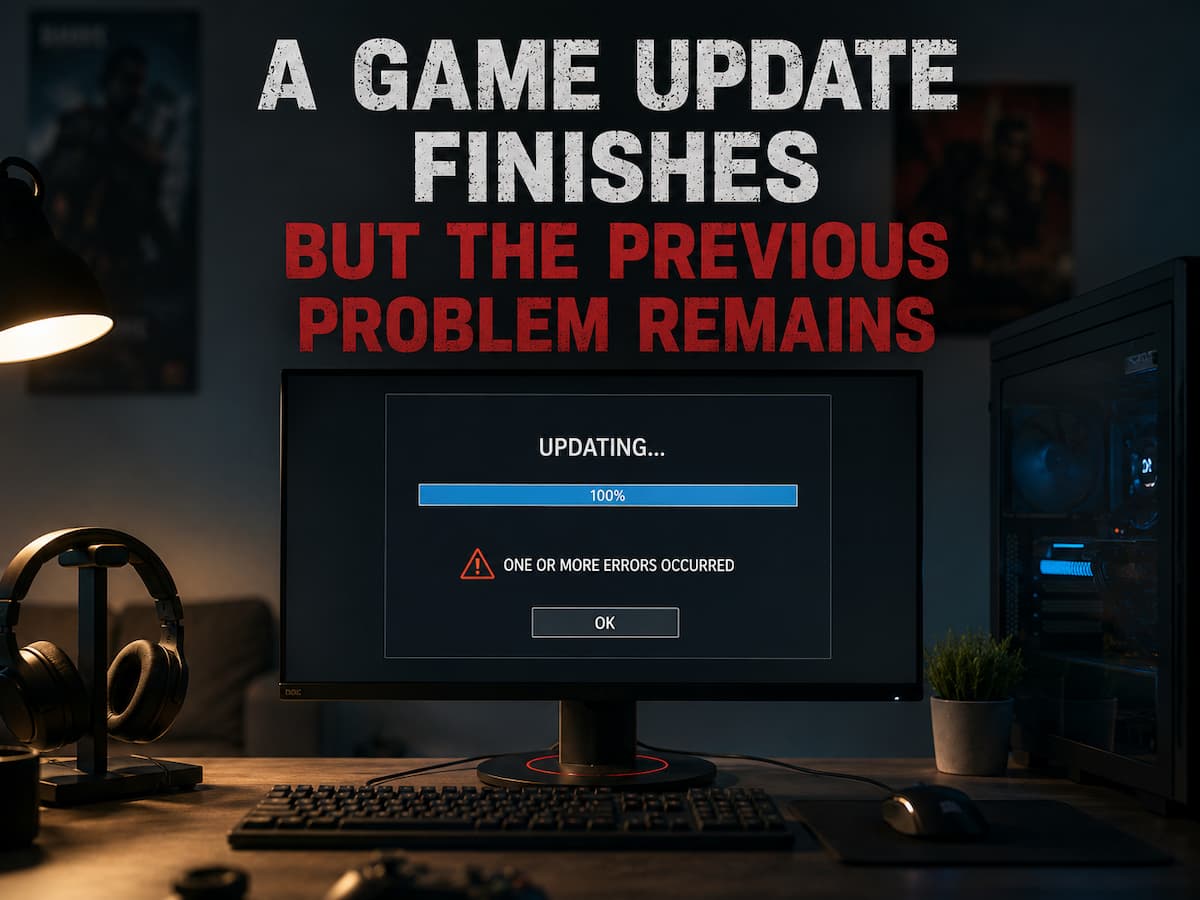
There is a particular kind of frustration that comes from watching a large game update download, install, verify its files, and finally announce that everything is ready—only to launch the game and discover that the original problem is still there. The crash still happens. The loading screen still gets stuck. The audio still disappears. The … Read more

Tracking Performance Changes Across Different Areas of the Same Game

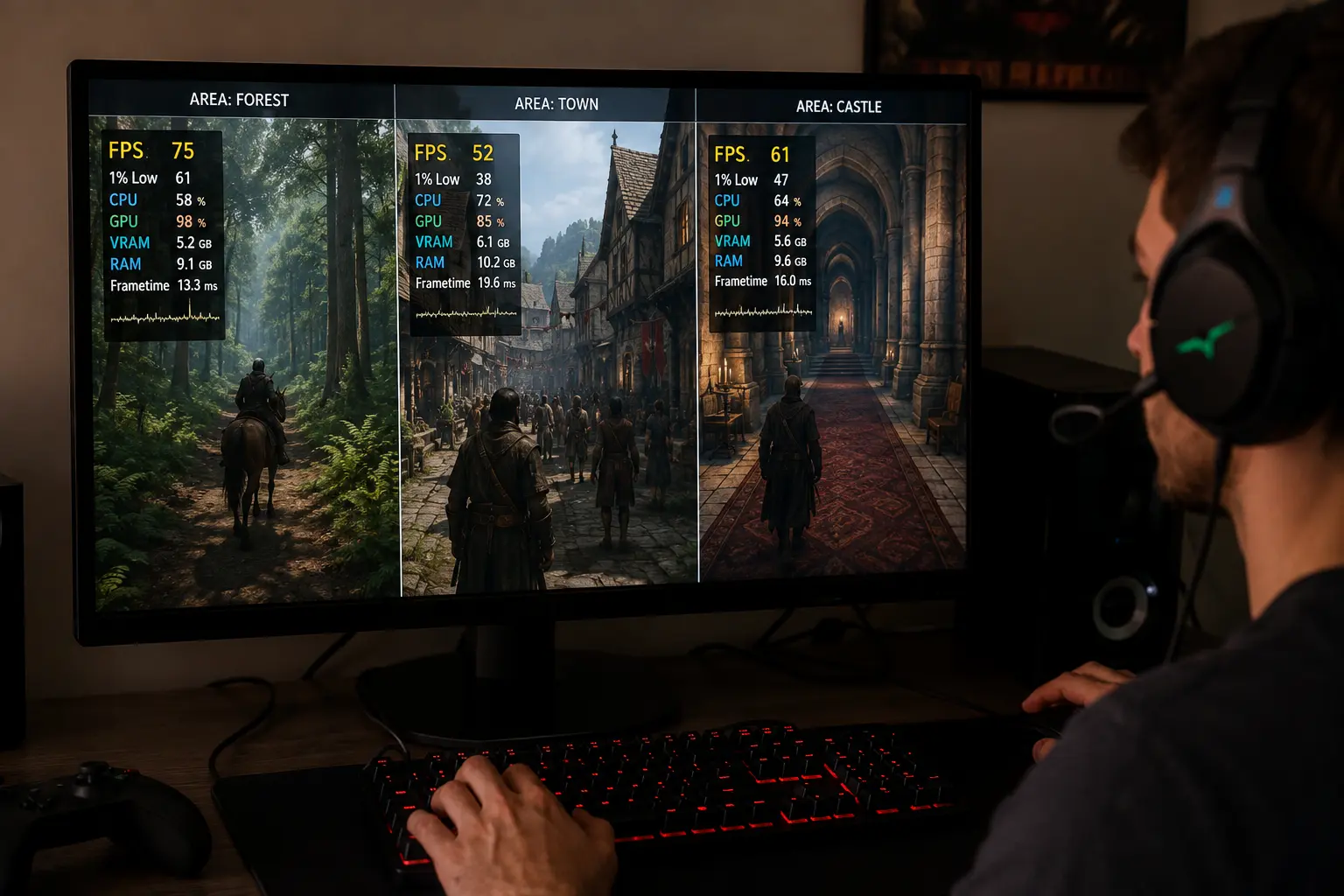
A game can run smoothly in one area and feel noticeably worse somewhere else, even when the graphics settings, resolution, and frame-rate limit have not changed. This often leads players to blame inconsistent optimization, a sudden hardware limitation, or a background process without first checking whether the game is simply placing a different load on … Read more

Games Behave Differently After Moving Them to Another Drive

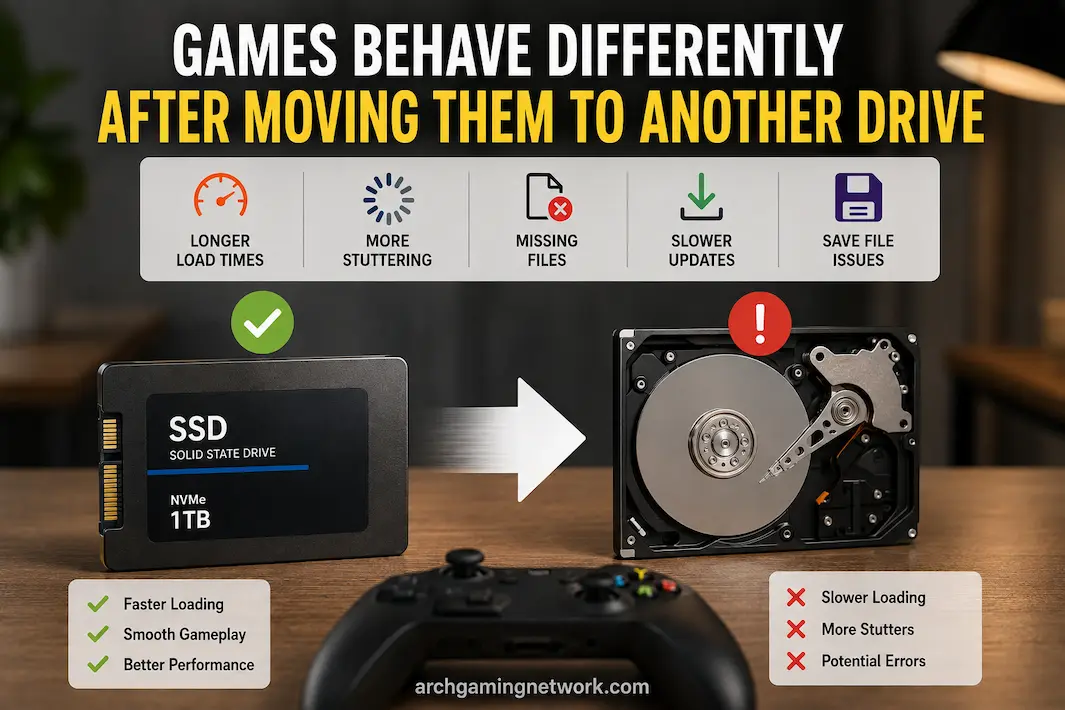
Moving a game from one hard drive to another might seem like a simple storage operation, and often, it is. However, some games exhibit issues after the move: longer load times, stuttering, trouble locating save files, extended update times, or games that formerly worked fine suddenly reporting missing files. These differences are particularly noticeable when … Read more

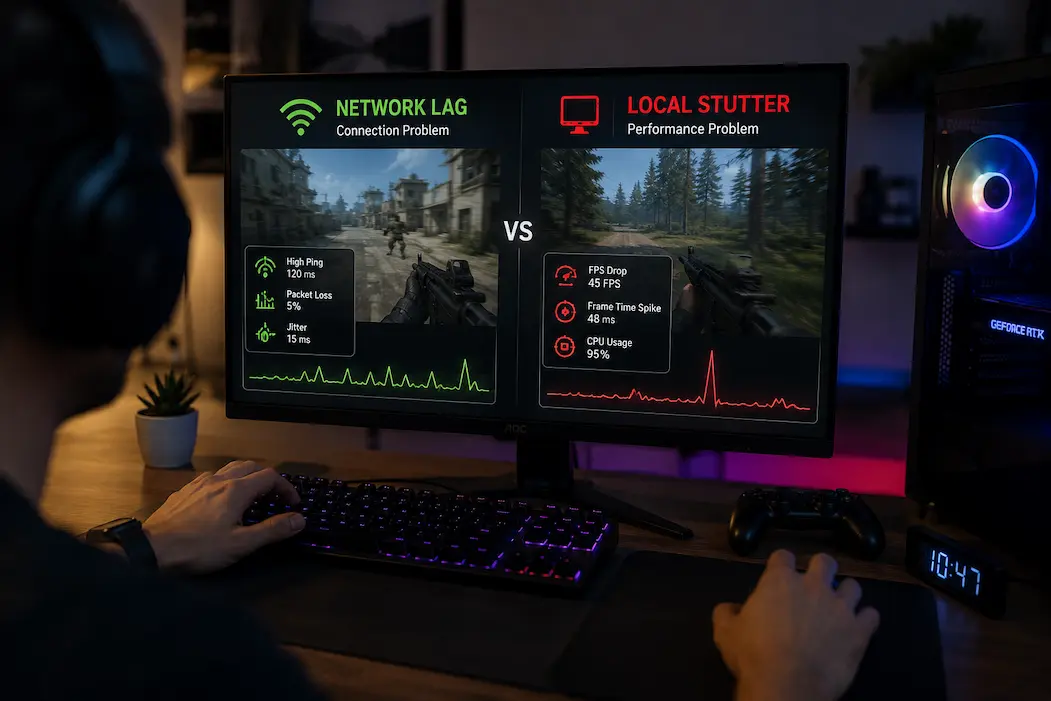
Separating Network Lag From Local Performance Stutter

A game can suddenly feel slow, unresponsive, or strangely delayed for several entirely different reasons, and online games make the distinction especially difficult. A player may describe almost any interruption as “lag,” even when the actual problem is a frame-time spike, CPU workload, GPU pressure, packet loss, unstable latency, or a problem on the game … Read more